Skip to content
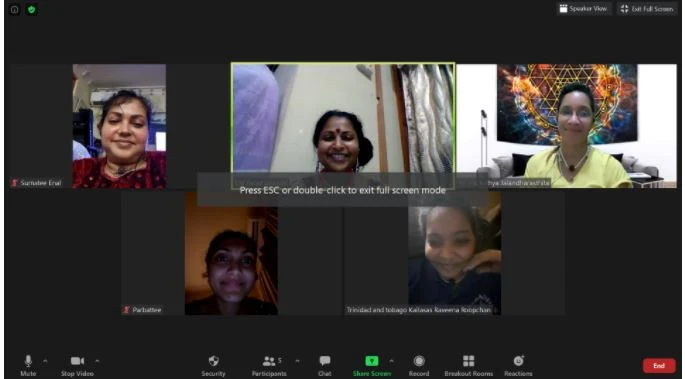
A screenshot of a Zoom video call with five participant tiles in a gallery view. Top left, a woman in a red top smiles; top centre, a smiling woman in a dark top and red bindi stands in front of a pale wall, with a black overlay reading "Press ESC or double-click to exit full screen mode"; top right, a woman in a yellow top sits before a colourful geometric yantra artwork. Bottom row shows two more participants, one a smiling woman and the other a woman with dark hair. Zoom toolbar icons (Mute, Stop Video, Security, Participants 5, Chat, Share Screen, Record, Breakout Rooms, Reactions, End) run along the bottom edge. The participants are visible only through the video tiles.
Photo 20 of 55 from 20 January 2021